August 2026
Release date: 7 September 2026
- Sharing and collaboration: Sharing a filter, variable, multitable, or deck now automatically promotes any personal artifacts it depends on, matching how dashboards already worked — removes a common source of confusion where a shared artifact silently referenced one other users couldn't see. This only applies when sharing with all users of a dataset or view; sharing with a Team — the common Profiles pattern — does not trigger it.
- Help and documentation: Published a rebuilt Profiles User Guide on Zendesk — structured, cross-linked articles replacing the outdated PDF, so clients and internal users can self-serve answers faster.
July 2026
Release date: 10 August 2026
- Artifacts: Users can bulk-remove unused personal artifacts in one go instead of deleting them individually — also speeds up loading for anyone with a large backlog.
- Variable labels: Array subvariable labels no longer carry a redundant parent-array suffix, making charts, tables, and exports easier to read. The array name is kept only where needed to avoid ambiguity, e.g. specific BrandIndex brand variables.
- Rapid Reports: Buttons no longer appear in non-English datasets where the reports don't actually work, removing a confusing dead end for local-language clients. Scripts were also realigned with source data in the background ensuring data consistency.
- Search: Now remembers whether a user last used Best Match or Folder view, so they don't have to reselect it every time.
- AI Agent: Users can adjust or remove variable weights directly within it, instead of leaving it to do so.
June 2026
Release date: 6 July 2026
- Sharing and collaboration: Editing a shared deck or dashboard now shows a one-time warning that changes are visible to everyone, so users don't accidentally make unintended changes to shared artifacts. Dataset-shared decks (not team-shared decks — the more common Profiles pattern) can no longer silently include a personal artifact only the creator can see; users get a clear prompt to share it first. Personal dashboards can now include personal artifacts; sharing the dashboard later promotes those artifacts to shared with the user's confirmation. Note this is about editors sharing at the dashboard level generally — in Profiles, client users still don't share dashboards themselves (see January note above).
- AI Agent: Now more reliable on complex tables, gives clearer guidance on dates, and flags when a Multiple Response/Categorical Array result may be based on too small a sample.
- Search: Folder results are now alphabetised, and Best Match results show the underlying question in a tooltip — easier to scan and trust.
- Navigation: Breadcrumbs now work properly on smaller screens.
May 2026
Release date: 11 May 2026
- Explore Mode: Now live for all Profiles users, replacing Variable Summaries with a faster, cleaner first look at any variable. Compare mode also got a visual refresh — same functionality, easier to use.
- Search: Now covers folders and dashboards too, and result text can be copied directly. All search is now vector-based, improving relevance for everyone — legacy search is fully retired.
- AI Agent: Responses now link straight to the variable in Explore mode.
April 2026
Release date: 11 May 2026
- Rapid Reports: Now available in Profiles with Safe datasets across all 7 live markets (USA, UK, Canada, Australia, Germany, France, Spain), giving Safe clients the same fast, templated path to insight as standard Profiles and Profiles+.
- AI Agent: Coverage extended beyond Profiles only to all datasets, including custom ones (previously unavailable there).
- Search: Results now highlight exactly which words matched, including synonyms, making it faster to judge relevance at a glance.
March 2026: New and improved search in Crunch
Release date: 04 March 2026
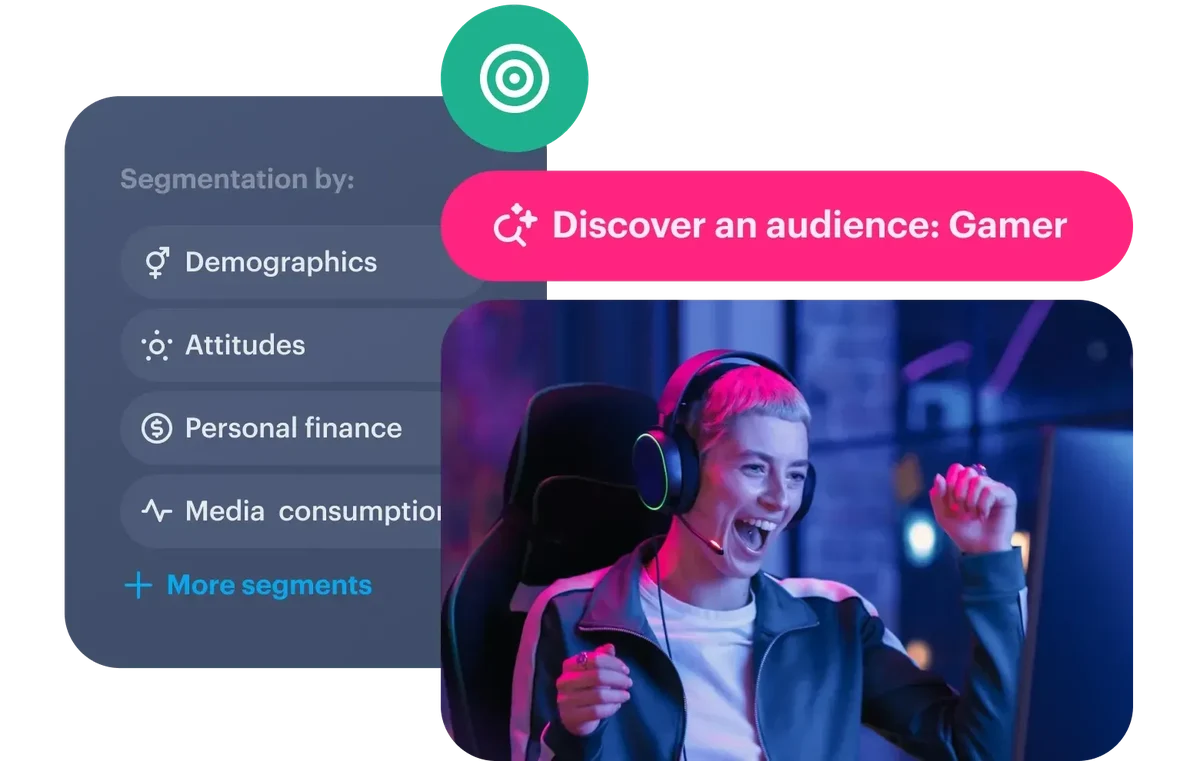
Building the perfect audience just got even easier with the new vector search in YouGov Profiles. Now, instead of manually selecting variables, simply describe your ideal audience in natural language and search will instantly pinpoint the best variables to build it. You can search by best match or by variable folder, making it seamless to find what you are looking for. The new search is available on all Profiles datasets in all markets.
How it works:
- Simplified search: Just type how you’d normally describe your audience, and AI will find the most relevant variables.
- More intuitive experience: No need for exact keywords - the new search tool understands intent and context.
- Faster insights: Save time by finding the right audience segments faster.
The search feature is powered by AI, but is entirely self-contained and does not use generative AI or connect to any large language models (LLMs). It is designed to enhance search accuracy and relevance through advanced algorithms, without needing external models. All search results, therefore, are based on the specific dataset and context, providing a focused and reliable experience.
Searching for a variable
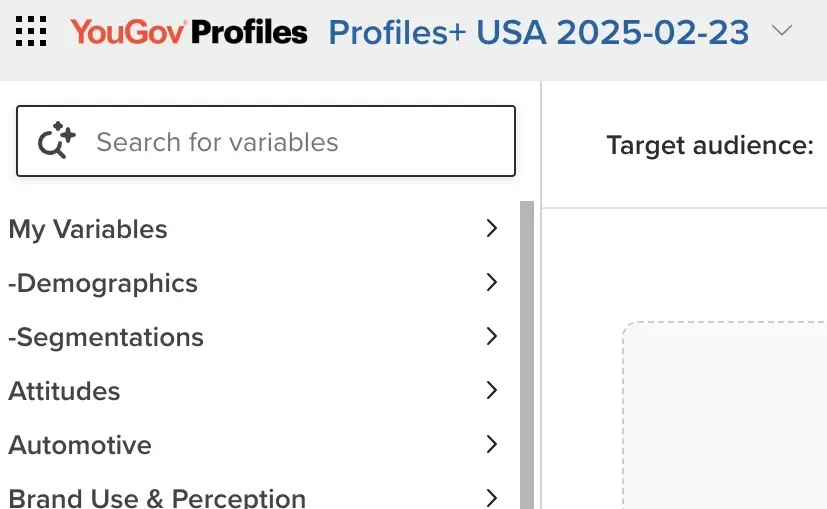
- In a dataset, locate the search bar on the top left of the page:
2. Type your search criteria in the box and then click Enter. Remember, this is an AI-powered search so you can use natural language to find what you’re looking for.
Your search results appear. The most relevant search results will appear first.
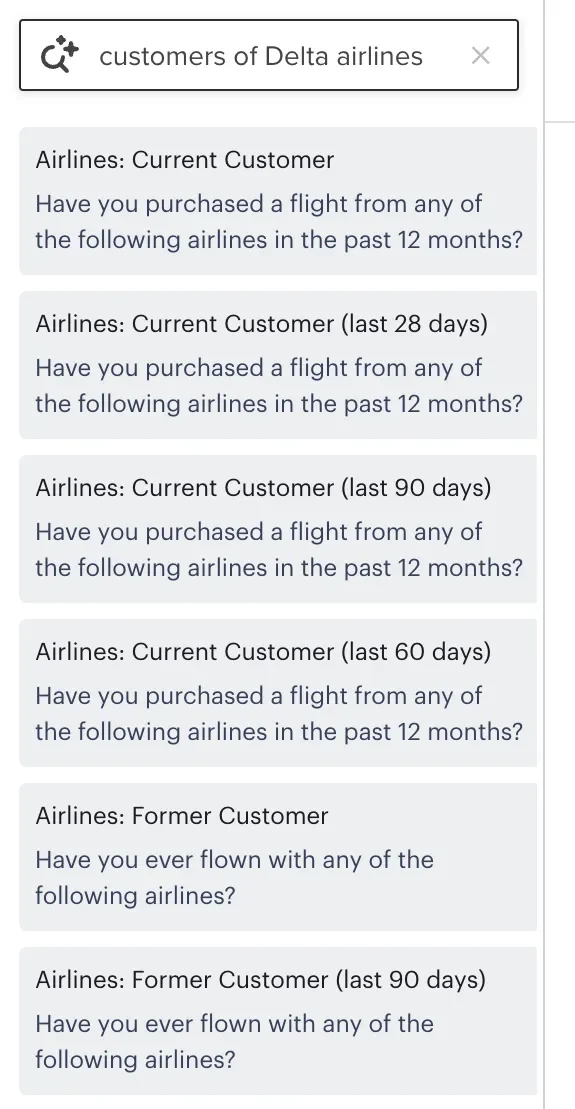
3. Click or drag & drop a variable in the search results to analyze the data in Profiles.
January 2026: A smarter way to explore your data with the Profiles AI Agent
Release date: 26 January 2026
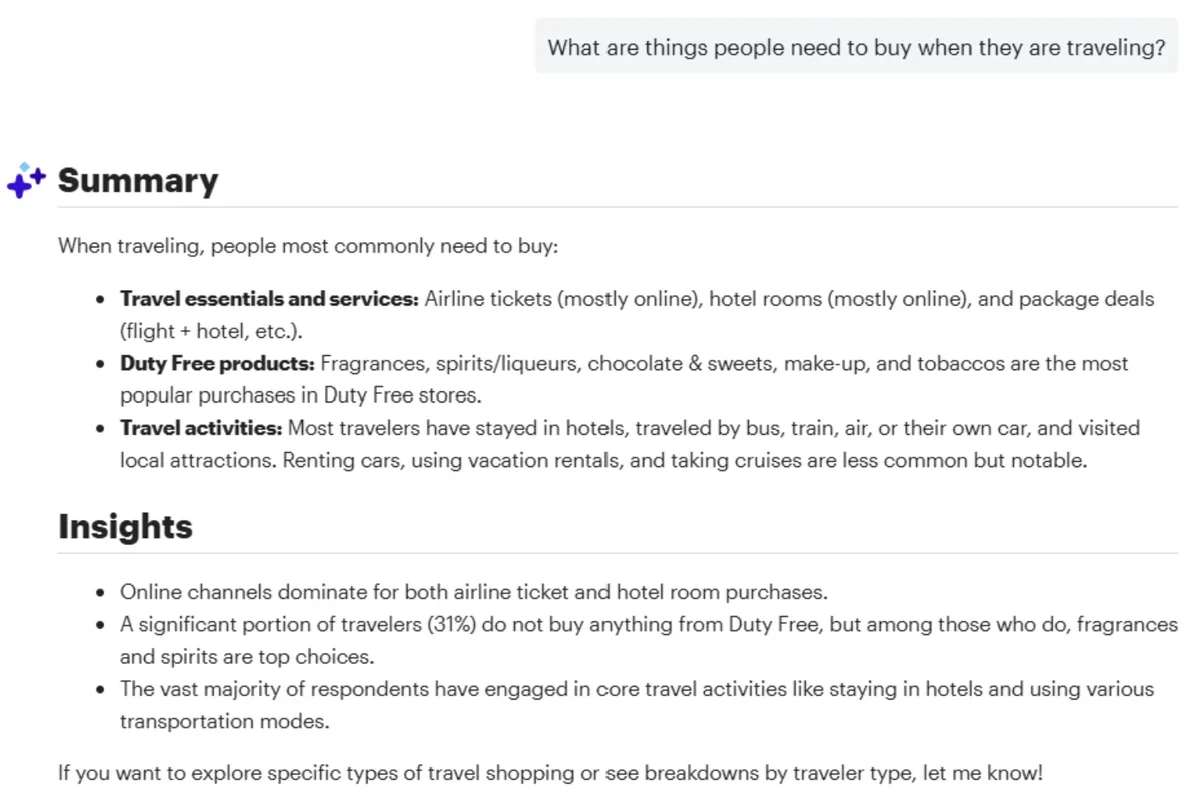
Our new YouGov Profiles AI Agent lets users ask questions in plain language and get instant, accurate answers from Profiles data. It transforms complex datasets into effortless conversational insights, with no analysis expertise needed. The Profiles AI Agent is available on Profiles datasets in all markets.
Benefits
- Natural language exploration - Ask questions conversationally and get immediate insights without filters or manual analysis.
- Faster decision-making - Reduce your time spent digging through datasets and jump straight to actionable insight.
- Accessible for all users - Empowers anyone, regardless of technical skill, to work confidently with Profiles data.
How does it work?
Open a Profiles dataset where the AI Agent has been enabled and click on the AI Agent button on the top of the page.
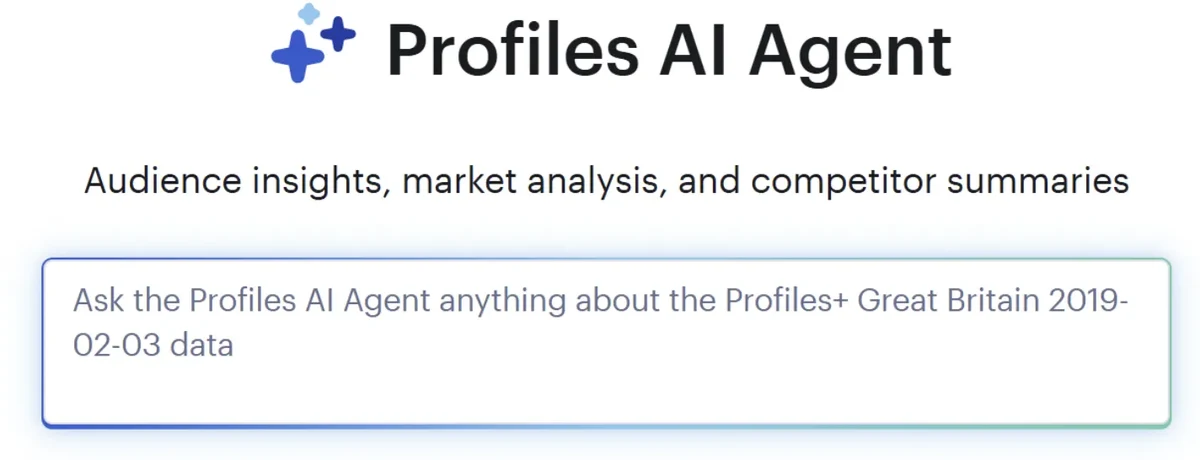
The Profiles AI Agent will respond to your question. Typical responses include a summary, one or more text-based charts and a list of variables used to answer your question. You can continue asking questions to refine the response.